Data Wrangling with PySpark
It becomes very hard to work with pandas when the data is huge. Instead as a strong alternative PySpark comes along. In this tutorial I will introduce the PySpark and mirror our pandas abilities to PySpark. This post assumes the reader has familiarity with the pandas library.
Introduction to Spark
The first question is what is Spark. Apache Spark is fast and general engine for large-scale data processing. It distributes computations among the CPU cores to do parallel processing. It has two abstractions:
RDD (distributed collection of objects)
Dataframe (distributed dataset of Tabular data)
Also there is two important qualities of Spark that you should know:
Objects are immutable
Changes create new object references
old versions are unchanged
Lazy Evaluation
Compute does not happen until output is requested
So it can optimize the processing very well
Setting up the environment and PySpark I have used Anaconda to install Pyspark.
First, create a new virtual environment: from Anaconda Navigator or from a terminal you can create a virtual environment.
Then open up a terminal from the virtual environment that we have created. Install Pyspark by conda:
conda install pysparkYou can check if it is installed by :
pyspark
you should see an output like this:
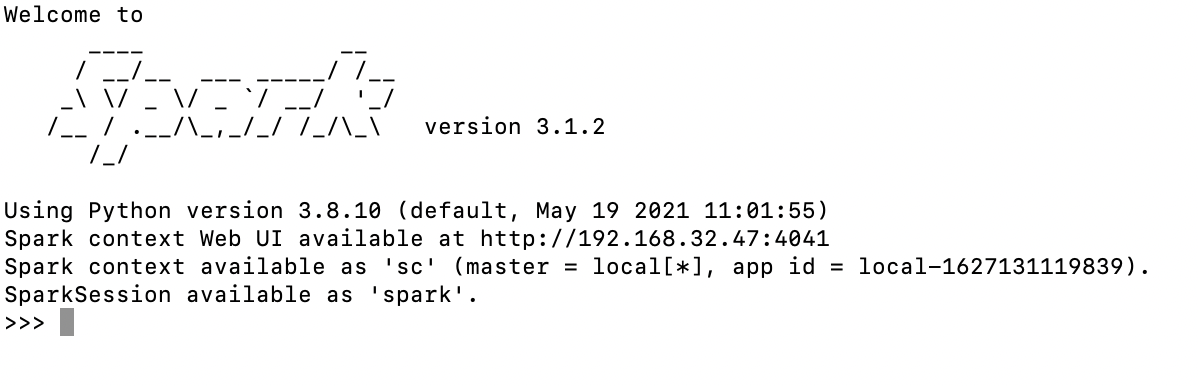
You can start coding at Spark Shell but we will use jupyter notebook instead: to exit from SparkSession just write exit()
To install jupyter notebook for our new virtual environment:
conda install jupyterto open jupyter notebook:
jupyter notebookThen we can test by opening a new notebook in our virtual environment and importing:
from pyspark import SparkContext sc = SparkContext() sc
SparkContext is a package for starting a spark session. We are creating a spark object by calling SparkContext() The output will be like this:
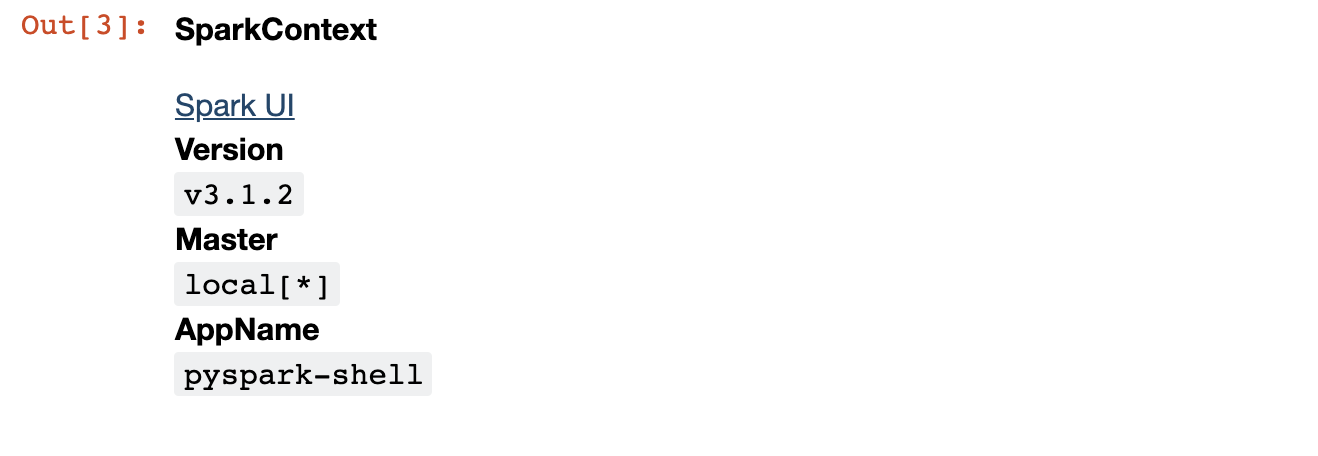
You can click to Spark UI to see the spark interface and jobs that you run.
Let’s create a RDD and track the job at the Spark UI. To create RDD :
rdd = sc.parallelize(range(1000000000))
We create 1 billion range RDD. RDD is an immutable distributed collection of elements of your data. We create a count job for the RDD :
rdd.count()

Track the details of the job at Spark UI:

As it can be seen above our job is distributed among 12 different cores of our CPU. It lasts 8 secs to be succeeded. We can also see the tasks in detail for every core:
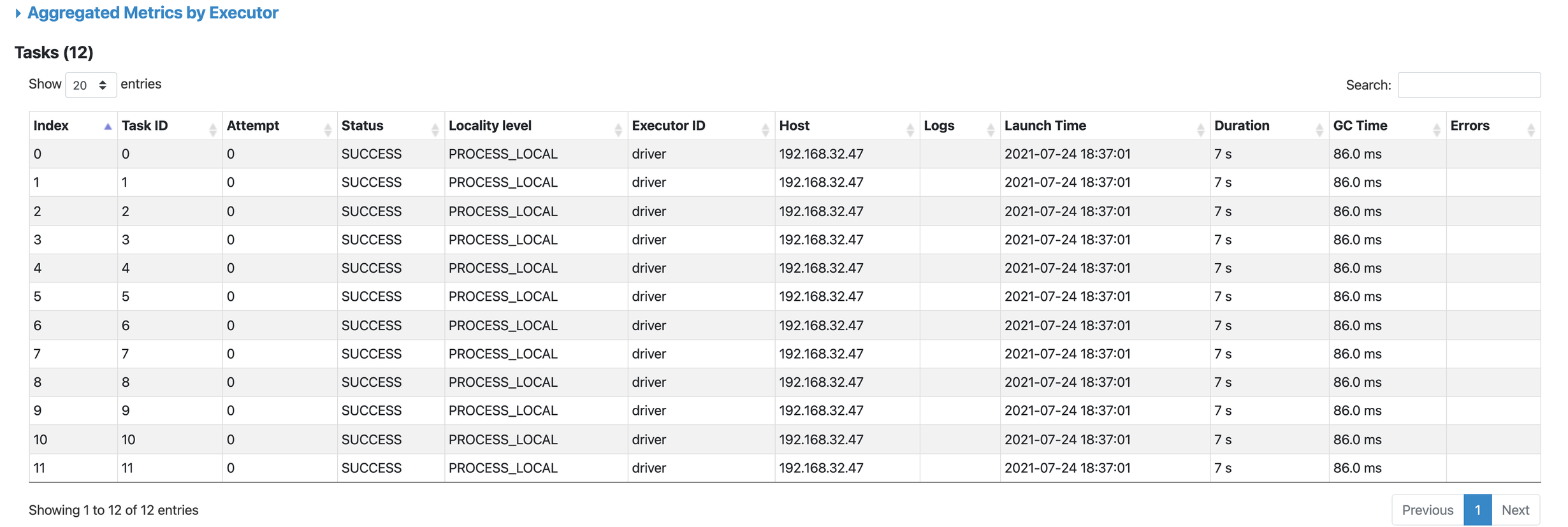
Our set up is done. Now we can look at data wrangling with pyspark.
Data Wrangling with Pyspark for who knows Pandas
First, we should initialize our SparkContext :
from pyspark.context import SparkContext
from pyspark.sql.session import SparkSession
sc = SparkContext('local')
spark = SparkSession(sc)
PANDAS vs PYSPARK
For reading a csv file :
#pandas
df = pd.read_csv('file_path')
#pyspark
df = spark.read.options(header=True,inferschema=True).csv("cf_data.csv")
To display a dataframe :
#pandas
df
#pyspark
df.show()
But the output will be quite ugly compared to the pandas :
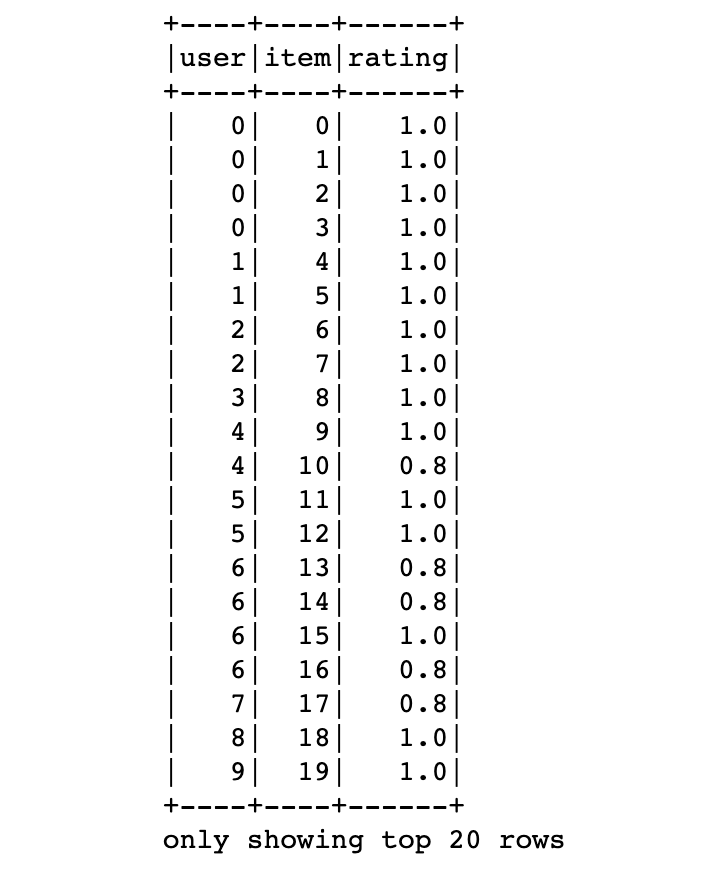
By default first 20 rows are displayed. To display n rows df.show(n) can be used.
To drop a column:
#pandas
df.drop('col_name')
#pyspark
df2.drop('rating').show()
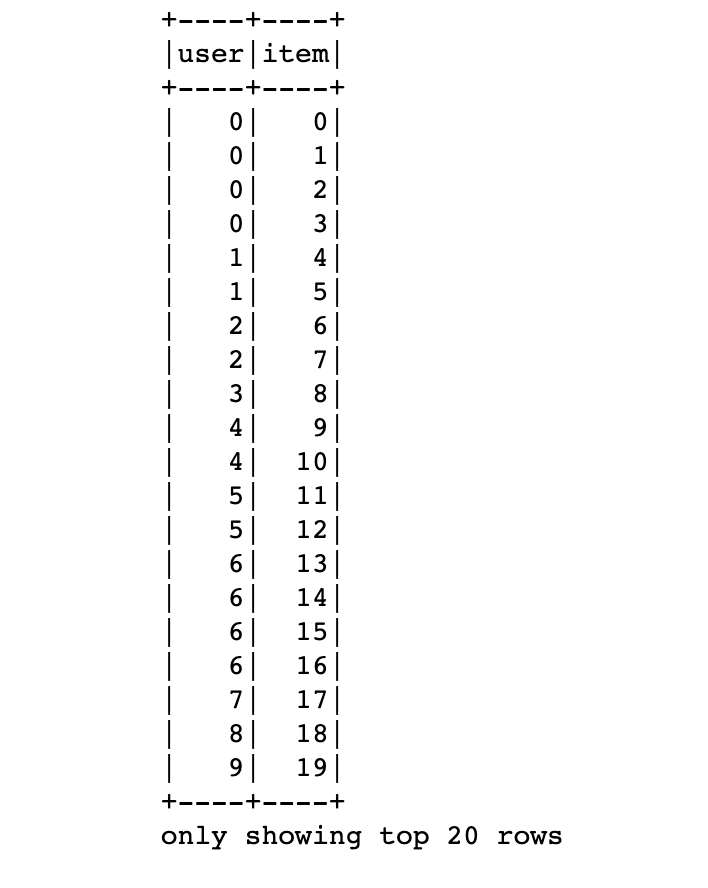
Grouping is the same as pandas:
df.groupby(['user','rating']).agg({'rating':'count'}) \
.sort('count(rating)', ascending=False).show()
we have sorted the items descendingly. By default aggregated columns are named like ‘agg_func(col_name)’ which we used as a new column name for sorting :
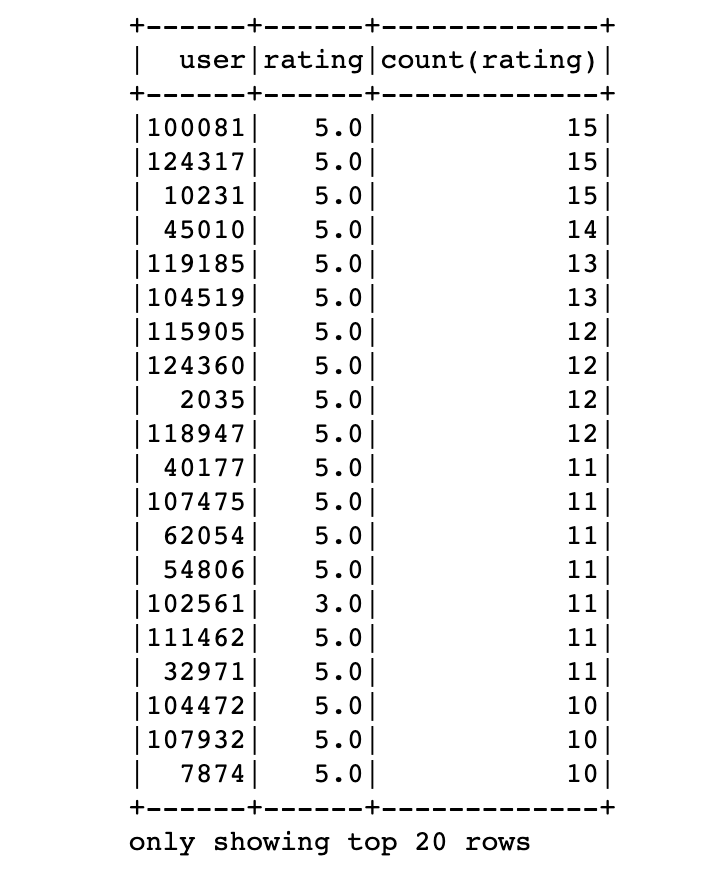
Filtering the data is the same as pandas :
df[df['rating']>3].show()

df[(df['rating']>3) & (df['user']>100)]
To add a column :
#pandas
df['inverse_rating'] = 1 / df['rating']
#pyspark
df = df.withColumn('inverse_rating', 1 / df.rating)
df.show()
To fill the nan values same as pandas :
df = df.fillna(0)
For standart transformations we must import the pyspark.sql package to use built in functions :
import pyspark.sql.functions as F
For example to use log function :
#pandas
import numpy as np
df['log_rating'] = np.log(df.rating)
#pyspark
df = df.withColumn('log_rating',F.log(df.rating))
Although they seem pretty much the same, spark does not execute any python on the executors(lazy evaluation) so it is much faster compared to the pandas.
For row conditional statements :
#pandas
df['Evaluation'] = df.rating.apply(lambda x: 'excellent' if x > 4 else \
'good' if (x>=3)&(x<=4) else 'bad')
#pyspark
df = df.withColumn('Evaluation',F.when(df.rating > 4 , 'excellent') \
            .when((df.rating>=3)&(df.rating <=4) , 'good') \
            .otherwise('bad'))
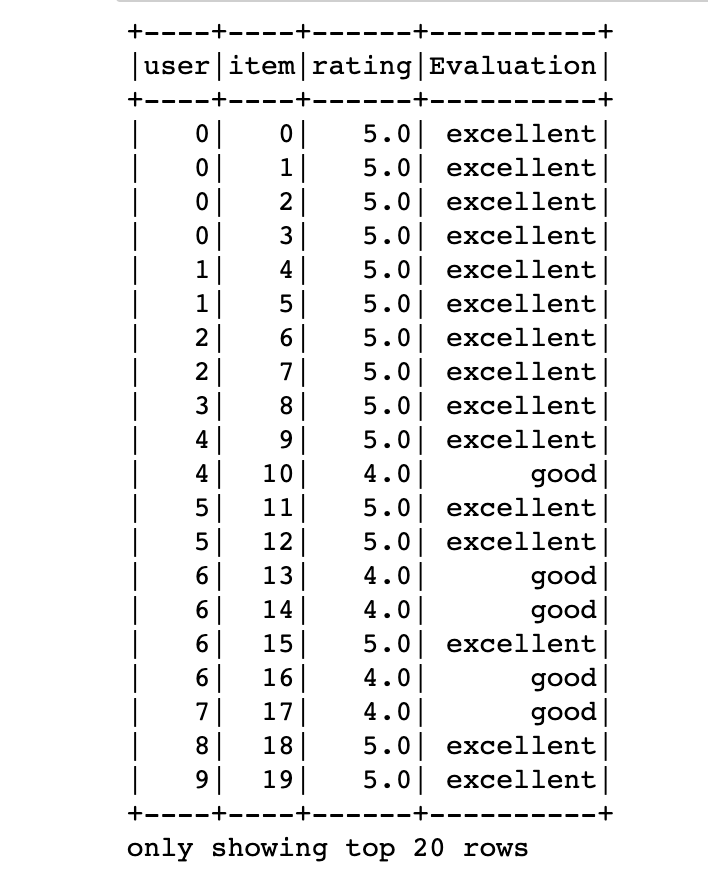
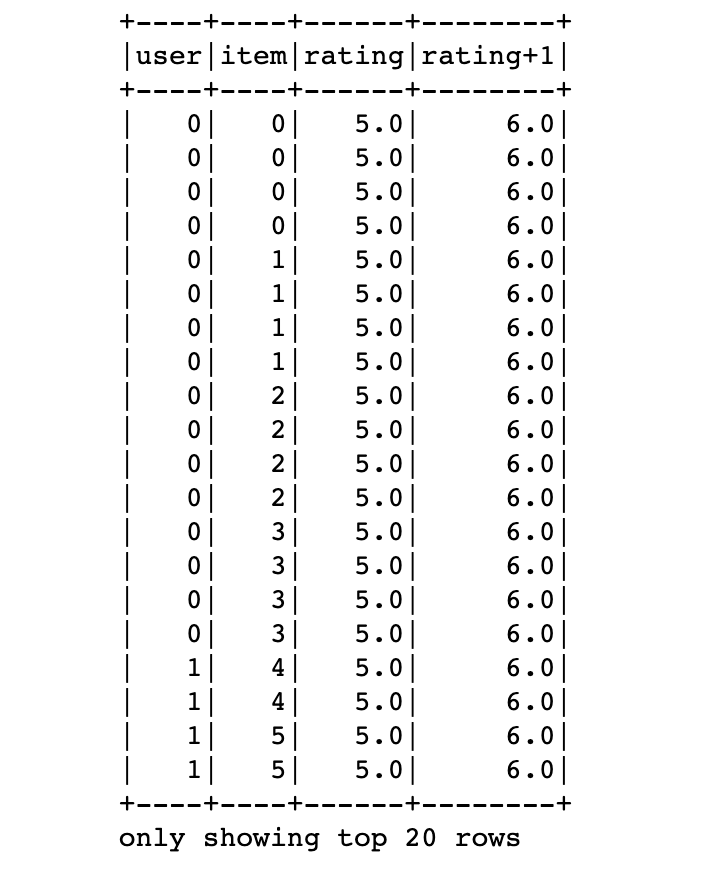
Other than built in functions we can define user-defined-function called udf:
from pyspark.sql.types import DoubleType
fn = F.udf(lambda x: x+1 , DoubleType())
df = df.withColumn('rating+1',fn(df.rating))
df2 = df[['user','rating+1']]
df2.show()
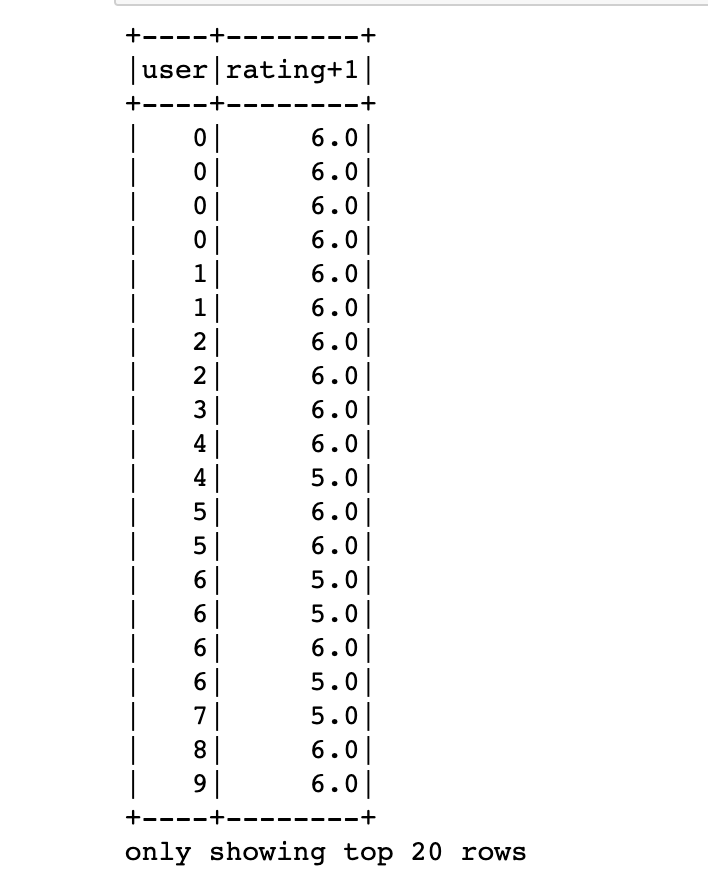
But we should be careful about the return types. The function must be deterministic otherwise spark return nulls for every row. Here we have imported and used DoubleType.
To merge dataframes :
#pandas
df.merge(df2,on='rating')
df.merge(df2,left_on = 'rating',right_on='rating')
#pyspark
df.join(df2,on='rating')
df.join(df2,df.rating==df2.rating)
Sometimes you really need a pandas abilities that does not exist on pyspark then:
For example you need to plot a histogram, you can sample your data convert it to a pandas dataframe and then plot it in pandas:
#pyspark
import matplotlib
%matplotlib inline
df.sample(False,0.1).toPandas().plot()
Additionally, pyspark has SQL support which is not the case for pandas. That means you can write sql queries on your dataframe:
df.createOrReplaceTempView('foo')
df2 = spark.sql('select * from foo')
df2.show()
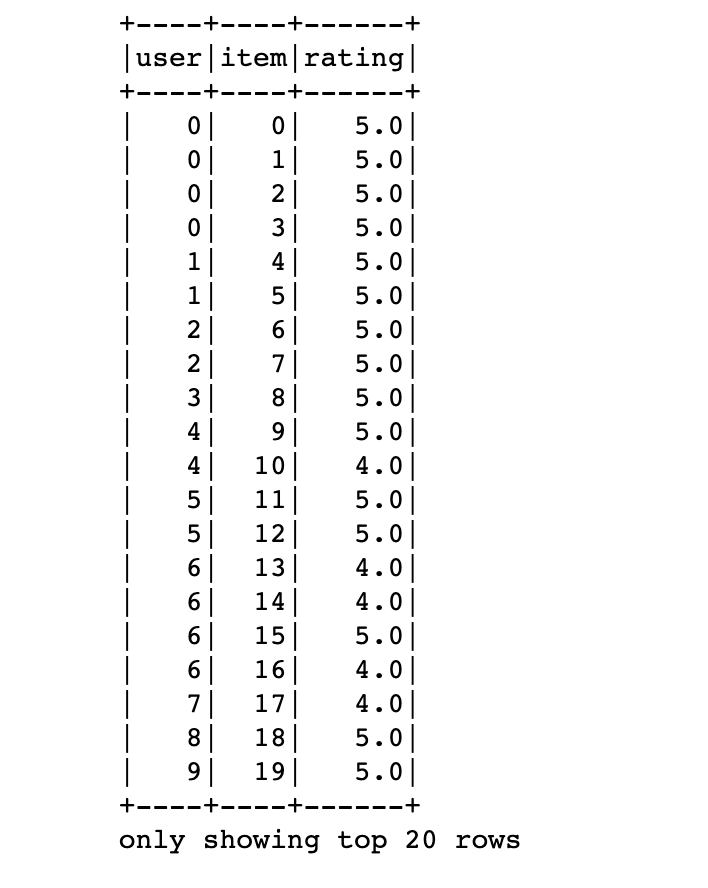
That’s great. You can switch back and forth between views and dataframes. All the SQL functions and abilities can be used here.
Things not To Do
Do not try to iterate all the rows
#Wrong
df.toPandas().head(5)
#First filter then convert
df.head(5).toPandas()
Thank you for reading!!
References
[1] Data Wrangling with PySpark for Data Scientists Who Know Pandas - Andrew Ray
[2] How to install PySpark locally and use it with Jupyter Notebook 2021